Reading, for everyone
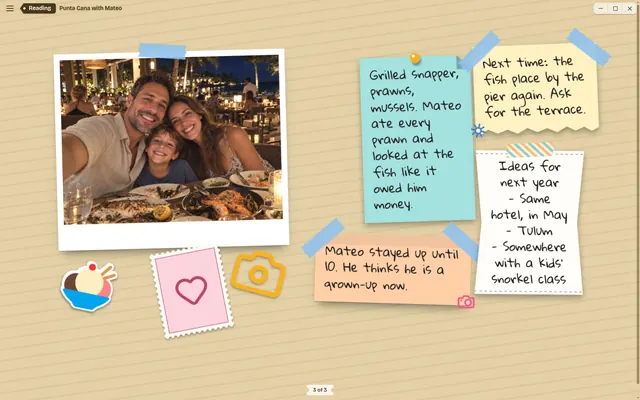
Click a scrapbook and it opens like a book. Turn pages with the arrows. Nothing can be nudged, deleted or ruined, so it is safe to hand over to a relative.
 Coming soon
ScrapBean is a free scrapbook app for your computer. Throw in photos, videos, GIFs, notes, links and voice notes. The page arranges itself, and it looks like you spent the afternoon on it.
Free. No account. Nothing to subscribe to.


A scrapbook that lives on your computer. Think of a shoebox of photos, but with better manners. You paste things in, it lays them out with tape, sticky notes and a slightly wonky tilt, and you get a page worth keeping.
There are no boxes to draw and no grids to line up. It takes three steps, and one of them is optional.
Paste, drop or type. Photos, GIFs, videos, voice notes, links, half a thought. Don't be neat about it.

Not feeling the layout? Press the dice. Everything goes up in the air and lands somewhere new. Press it again. Nobody is counting.

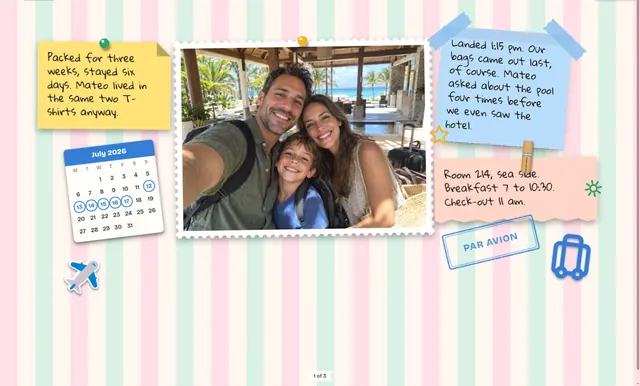
Read it like a book. Or save a copy as a web page, a PDF or a picture and send it to your mum.
Edit is for getting a page made in the time it takes the kettle to boil. Customize is for people who have opinions about tape. Same scrapbook, and you can switch whenever you like.
Click a scrapbook and it opens like a book. Turn pages with the arrows. Nothing can be nudged, deleted or ruined, so it is safe to hand over to a relative.
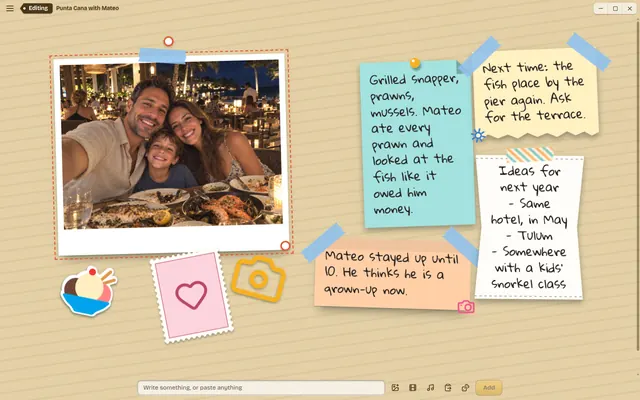
One row at the bottom and nothing to learn. Type a note, paste a photo, press the dice. ScrapBean picks the paper, the tape and the layout. A decent page takes about ten seconds.
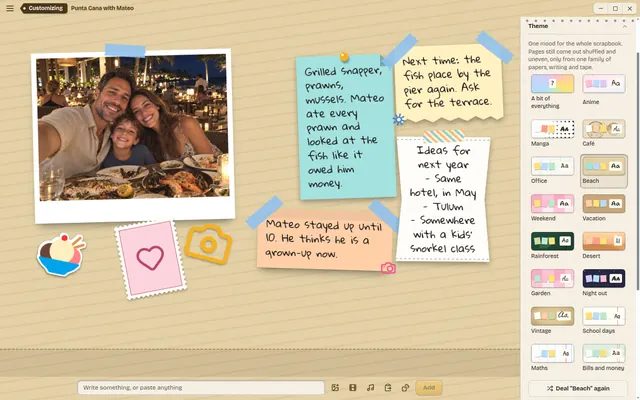
A notepad of options slides in beside the page. Place every scrap by hand, set a theme for the whole book, or click one thing and change only that. Nothing here is required.
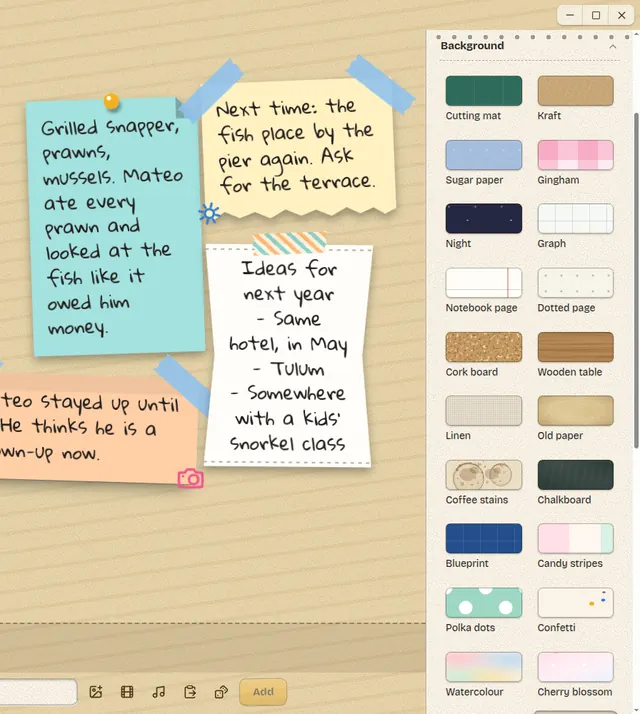
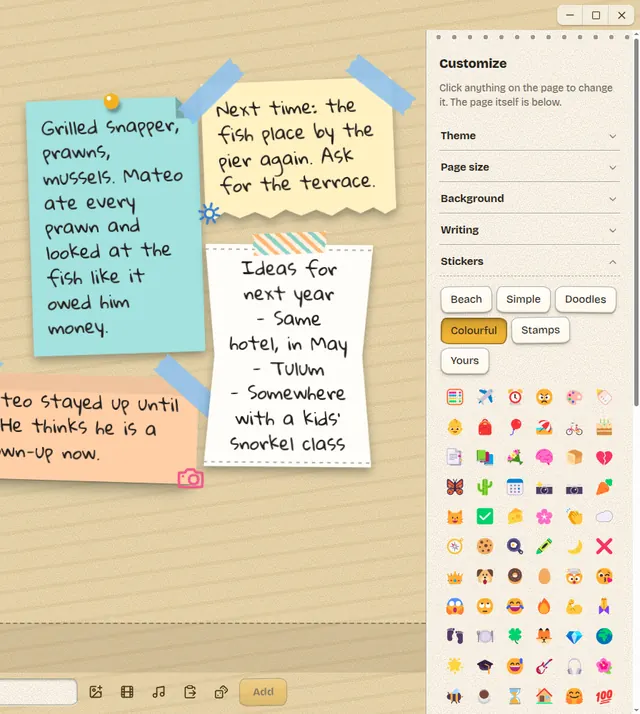
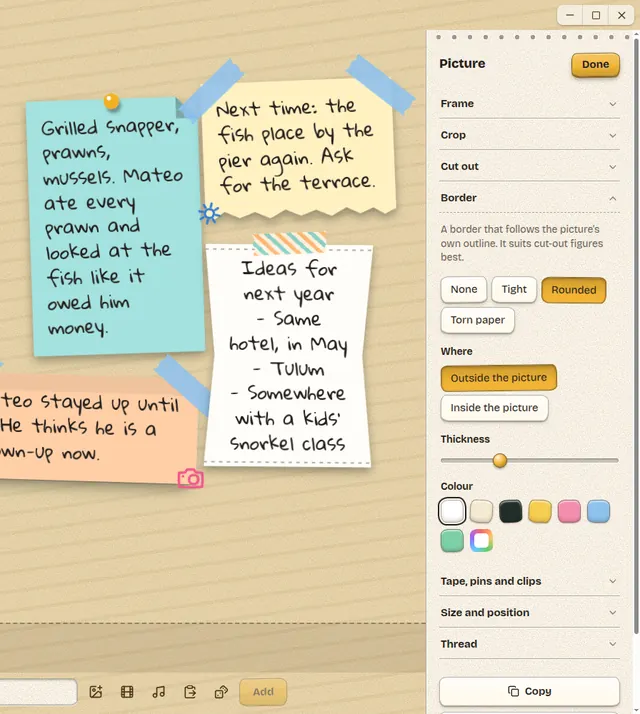
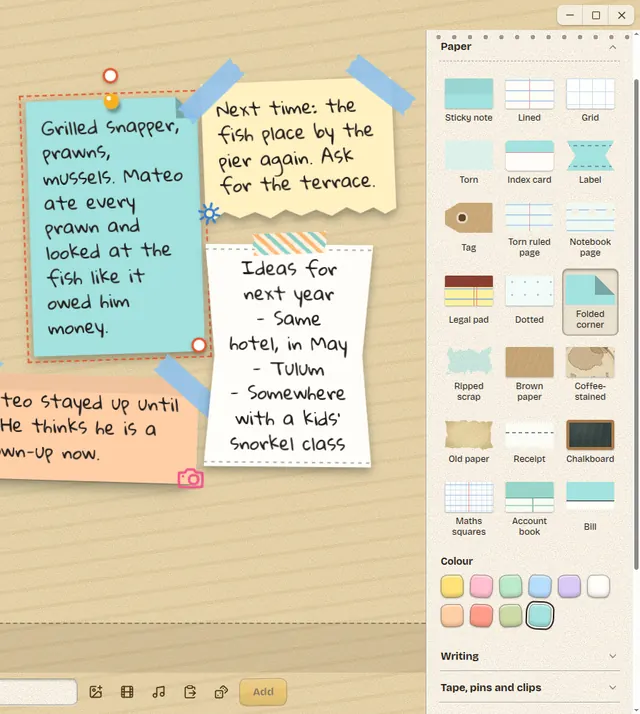
Nothing in the drawer quite right? Import it. Customize takes your own things, and your fonts, pictures and backgrounds are kept where every scrapbook can reach them.

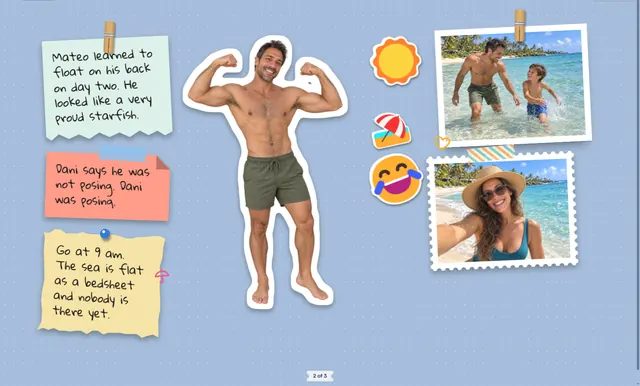
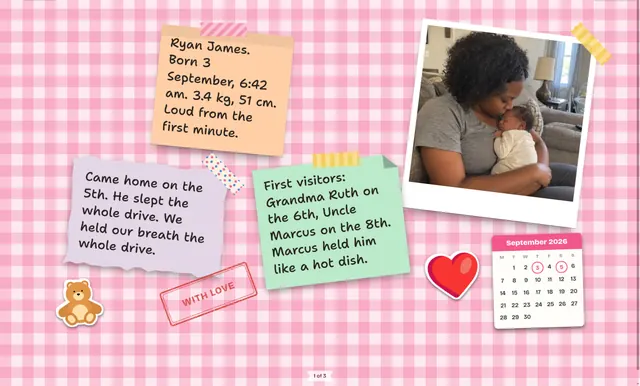
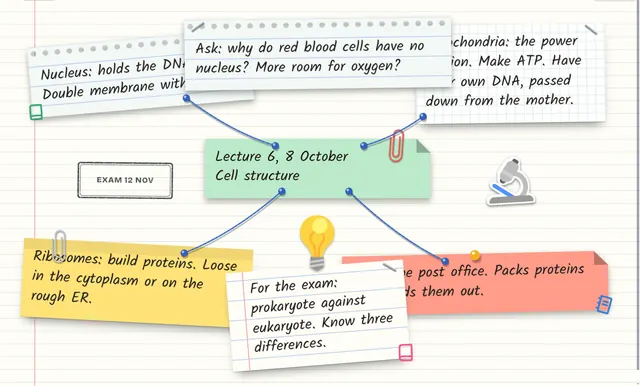
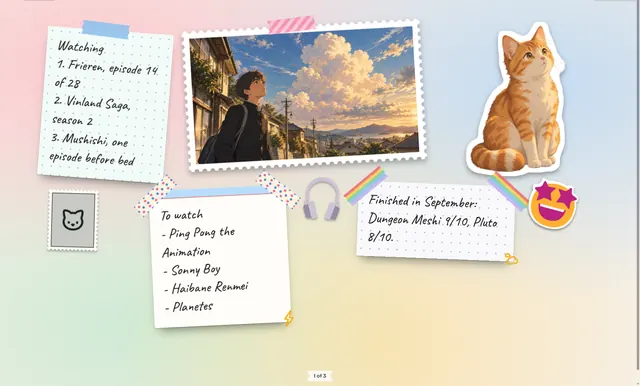
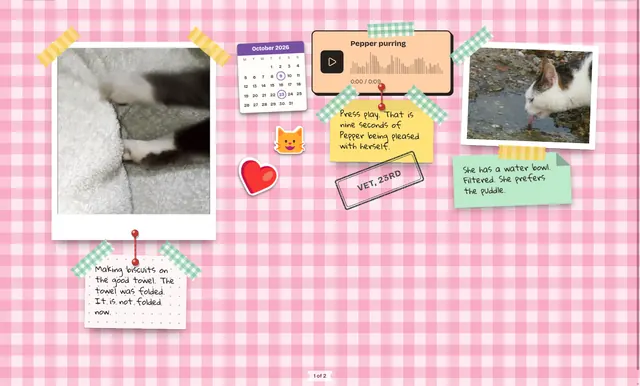
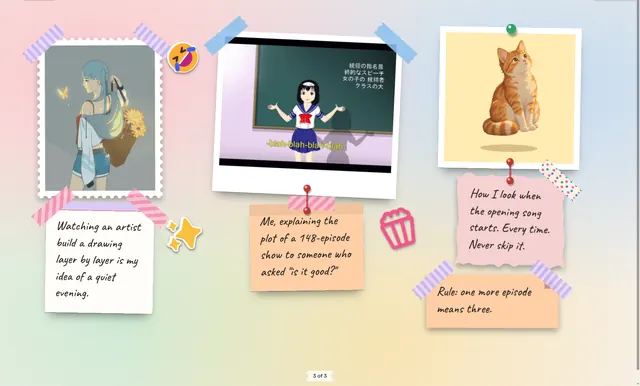
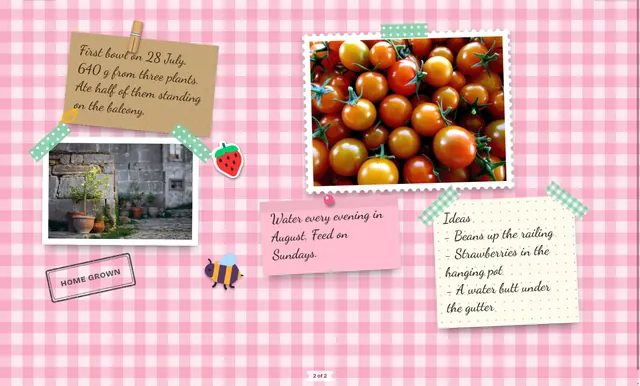
Anyone with a camera roll they never look at. Also students, cooks, planners, new parents, list makers and people who think better with string. Every page below was made in ScrapBean.
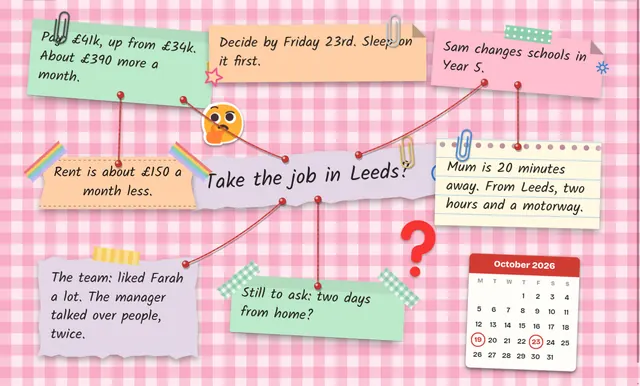
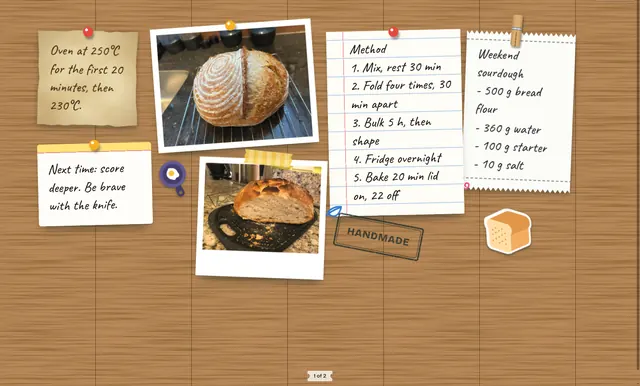
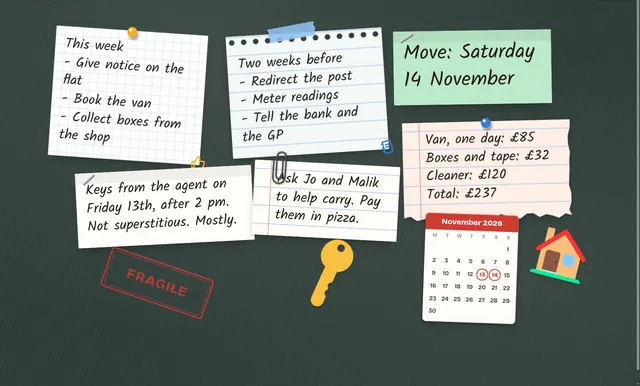
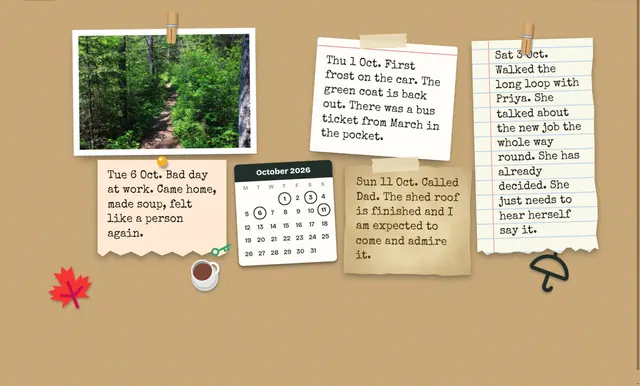
You can stop at "paste and shuffle". But there is a whole drawer of extras if you like to fiddle.
Tie a thread from any scrap to any other, pin to pin: a note to a photo, a photo to a video. A few of those and your notes turn into a map of what belongs with what. Shuffle the page and tied scraps stay side by side.
Drop in a GIF and it loops on the page like a tiny television. Videos play when you read the scrapbook. Shuffle as much as you like; they carry on, and their threads hold.
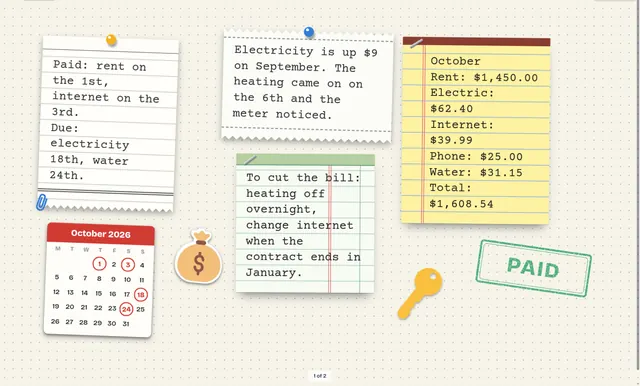
Stick a month on the page and circle the days that matter. Birthdays, flights, the day the plumber swore he'd come.
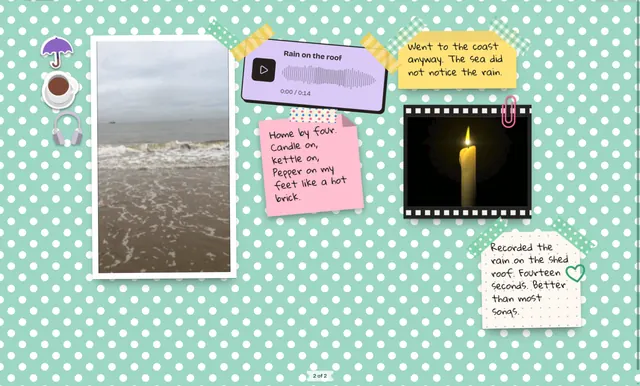
A voice note or a song becomes its own scrap: a cassette, a wave or a row of bars with a play button. Grandad's voicemail, rain on the shed roof, the baby's first opinion. Nothing plays until you press it.
Every scrapbook stands on a shelf. Type a few letters and the shelf narrows to the one you meant. It reads what's written on the pages too, so "that note about the boiler" is findable.
Craft desk, Garden shed, Harbour, Keepsake tin and Workshop. Each one has a light side for the morning and a dark side for when you should be asleep.
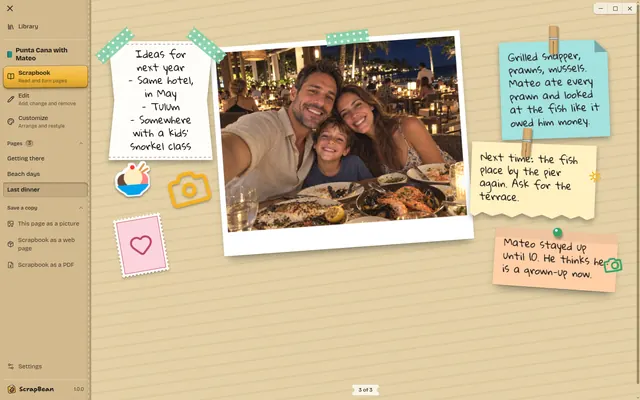
A scrapbook nobody sees is just a tidy secret. Save a copy and send it to people who have never heard of ScrapBean. They need nothing installed.
The whole scrapbook in one zip. Unzip it, open index.html, and it opens in any browser. Videos play, sound plays, GIFs loop, threads stay tied.
One sheet per page, the same shape as on your screen. Good for printing, emailing to a teacher, or keeping somewhere safe.
One page as a PNG. The quickest way into a group chat. Anything that moves is caught as a still, and you choose the moment.
A plugin is a small extra somebody else wrote. It adds a command to the menu: count the words on a page, stamp today's date, make a black-and-white copy of your photos. You add one from a folder, and take it out just as easily.
Other people's code on your computer deserves a little suspicion. So ScrapBean supplies it for you.
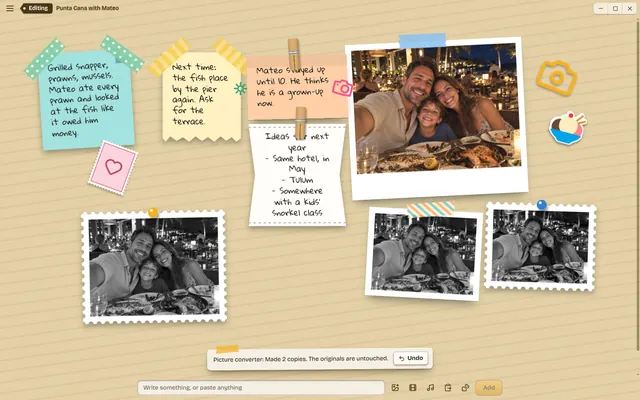
A plugin sleeps until you press its command, gets fifteen seconds, and is switched off again the moment it finishes. Whatever it changed comes with one Undo.
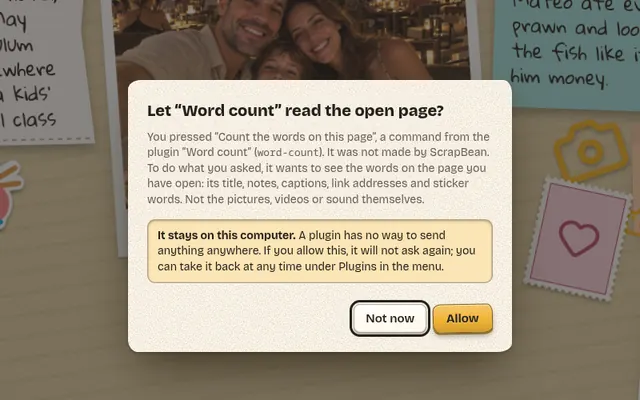
The first time a plugin wants to read a page, see a picture or add something, you get a plain question that says exactly what it would see. "Not now" is a perfectly good answer.
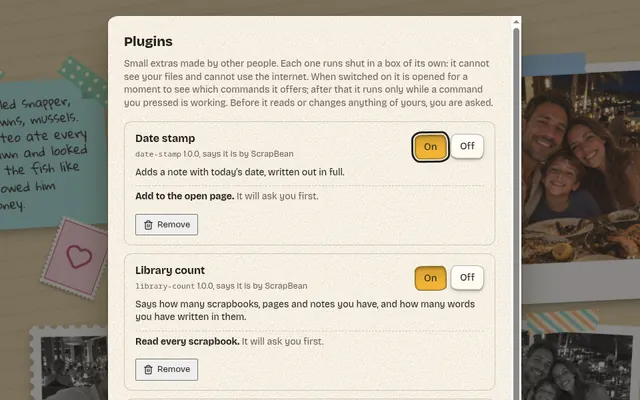
One page lists every plugin, what you have let it do, and a button to take each thing back. Switch it off, or remove it and everything it kept goes with it.
We didn't take this on trust. ScrapBean is tested against plugins written to break out, flood it, hang it and lie to it. How plugins work, and how to write one.
ScrapBean
Thank you. Keep this for your records.
ScrapBean will cost nothing to download and nothing to keep using. There is no paid tier, no sync plan and no upgrade button waiting for you on page three.
Your scrapbooks are files on your own computer. They stay there, and they still open with the internet off.
The honest small print: ScrapBean is free, but it is not open source. The app's code stays in our drawer. Plugins are how you bolt on your own bits: anyone can write one, and they are plain JavaScript.
Yes. It will be free to download and free to use, and there is nothing to buy inside it. No trial, no paid tier, no subscription.
No. There is no sign-up, no email to confirm and no password to forget. Open the app and start pasting.
On your own computer, in ScrapBean's folder. Nothing is uploaded. The app only goes online to fetch a picture you drag in from a web page.
Soon. ScrapBean is a desktop app for Windows, macOS and Linux, and the downloads will appear on this page when they are ready. There is no phone or tablet version.
Pictures, animated GIFs, videos (MP4, WebM, MOV), voice notes and songs, links, and notes you type. Then stickers, tape, pins, calendars and threads on top.
Yes. In Customize you can import fonts (TTF, OTF, WOFF), pictures and SVG drawings to use as stickers, a picture as a page background, and a song for the scrapbook. Bring one file, several, or a whole folder. Your fonts, pictures and backgrounds are then offered in all your scrapbooks.
Yes. Save a copy as a zipped web page that opens in any browser, as a PDF with one sheet per page, or as a PNG picture of a single page.
No. Every page arranges itself to fit one screen, and Shuffle deals a new arrangement whenever you like. If you want control, Customize lets you move, turn and resize each scrap by hand.
No. The layouts come from plain arithmetic and a roll of the dice. Nothing you paste is sent anywhere to be analysed.
No. The app is free to use, but its code is closed. You can extend it with plugins, which anyone can write.
Each plugin runs shut in a box of its own, with no access to your files and no way to use the internet. It does nothing until you press one of its commands, and the first time it wants to read or change anything of yours, you are asked. What you allowed can be taken back at any time. No software can promise that nothing will ever go wrong, but a plugin is given very little to go wrong with.
Yes. A plugin is a folder with two files: a short description and a JavaScript file. Five working examples come with ScrapBean, including one that converts pictures. There is no plugin shop yet; you add a plugin from a folder on your computer.
ScrapBean isn't out yet. The tape is still drying. It is on its way to all three of these, and it will be free on all three.
Can't wait? Read how a first page is made.